ATS-Friendly Resume Templates
Single-column templates that applicant tracking systems read correctly and recruiters can scan in seconds. Every one exports real, selectable text with standard section headings.
Build My Resume Upload My ResumeJake Resume
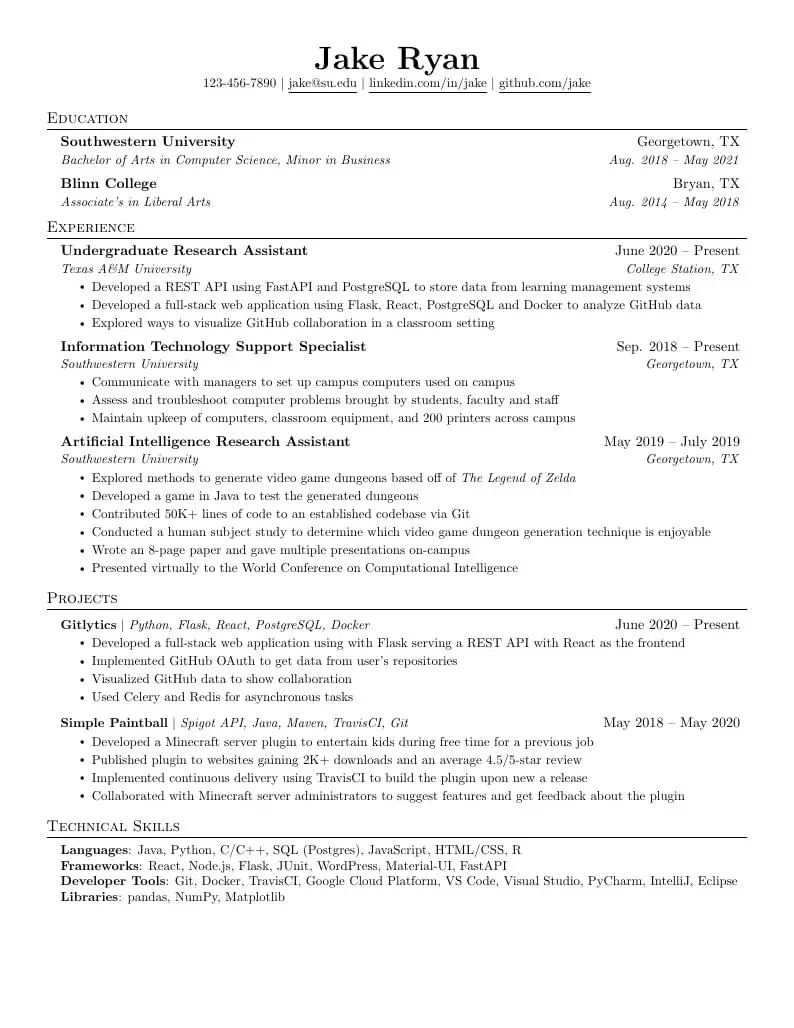
The classic LaTeX-style resume, no LaTeX needed. Computer Modern font, small-caps headings, one column.
One column · ATS-friendly
Use the Jake Resume templateProfessional Table
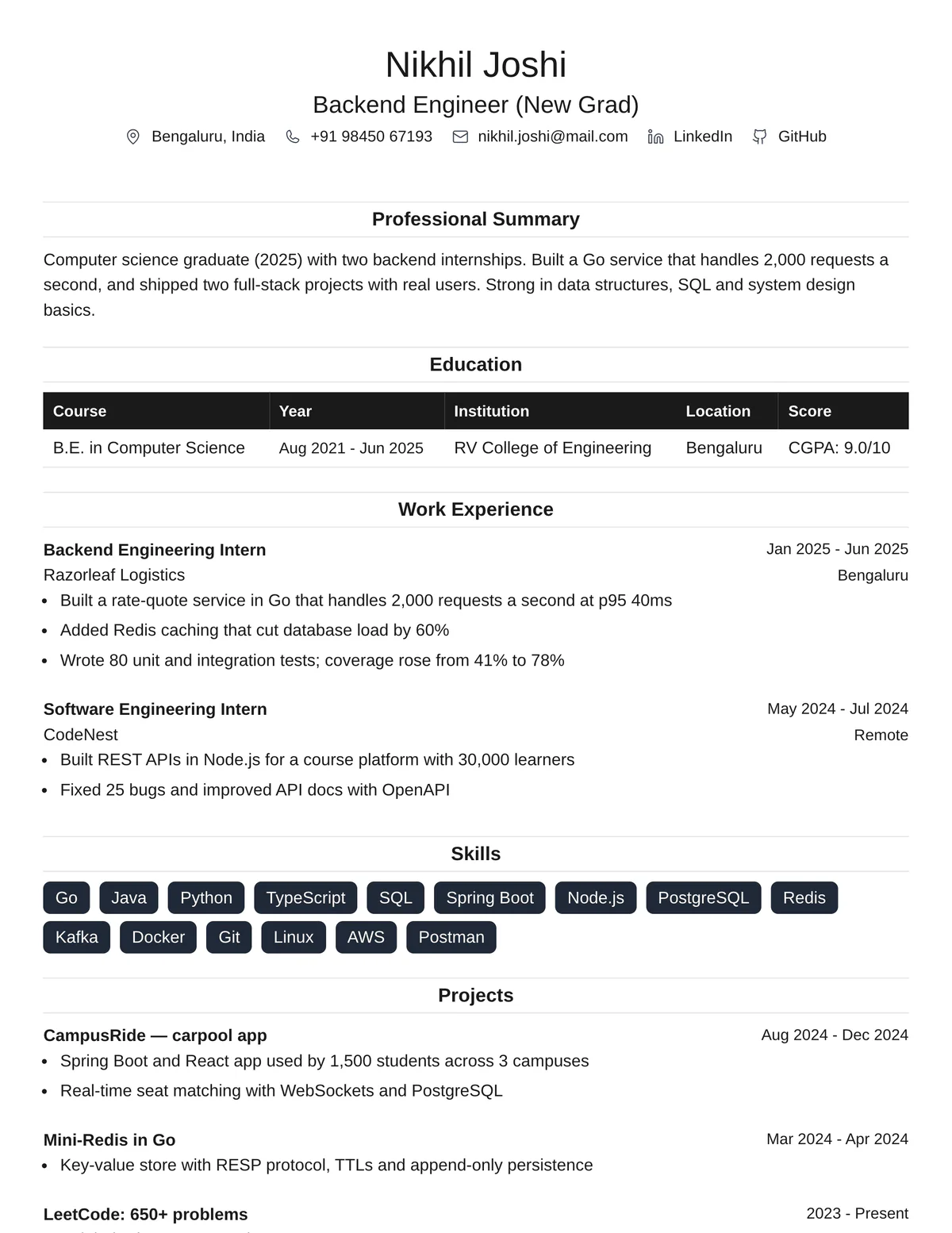
Single column with table-style education and centred headings. Great for students and new grads.
One column · ATS-friendly
Use the Professional Table templateModern Professional
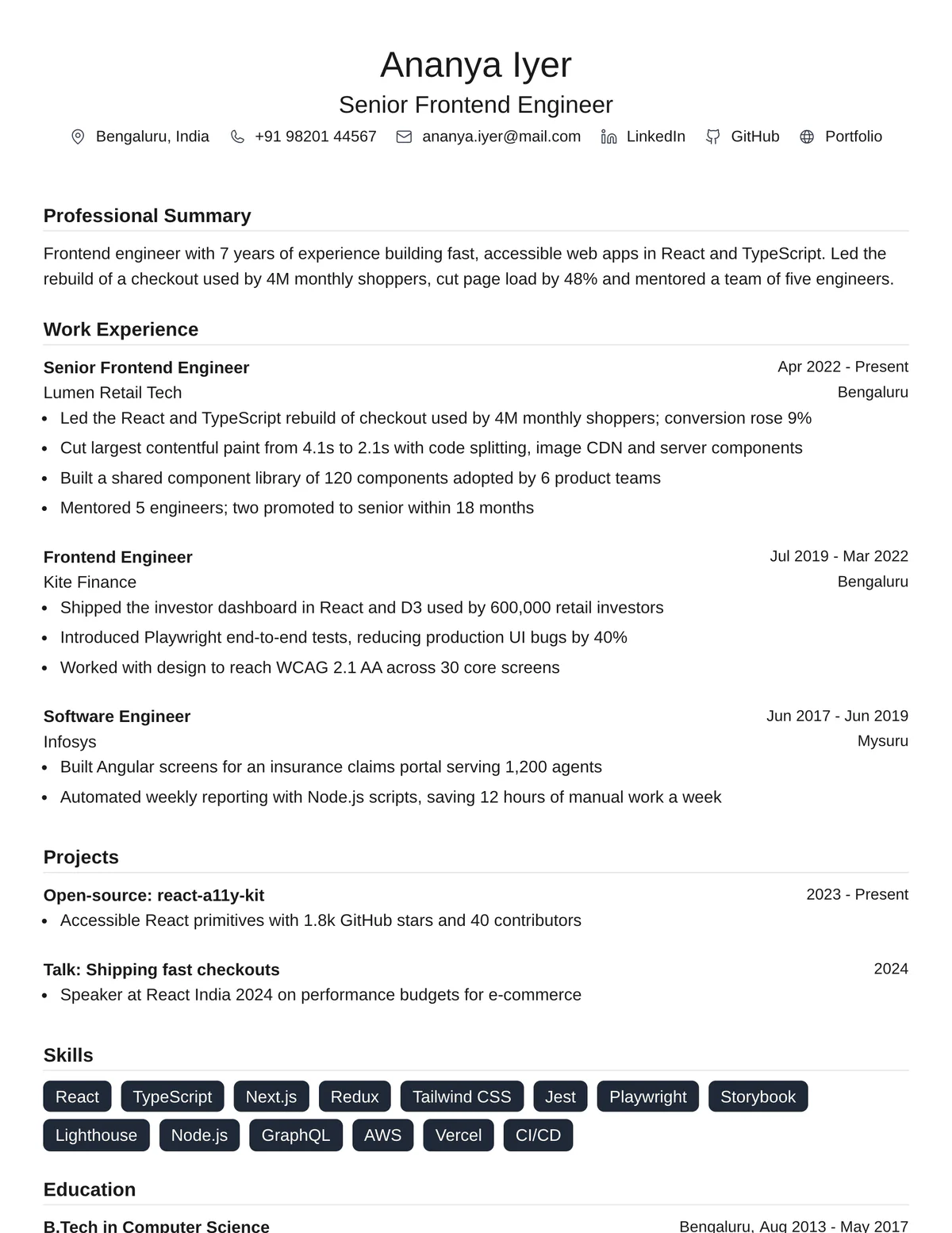
Clean, modern layout that suits most industries.
One column · ATS-friendly
Use the Modern Professional templateClassic Professional
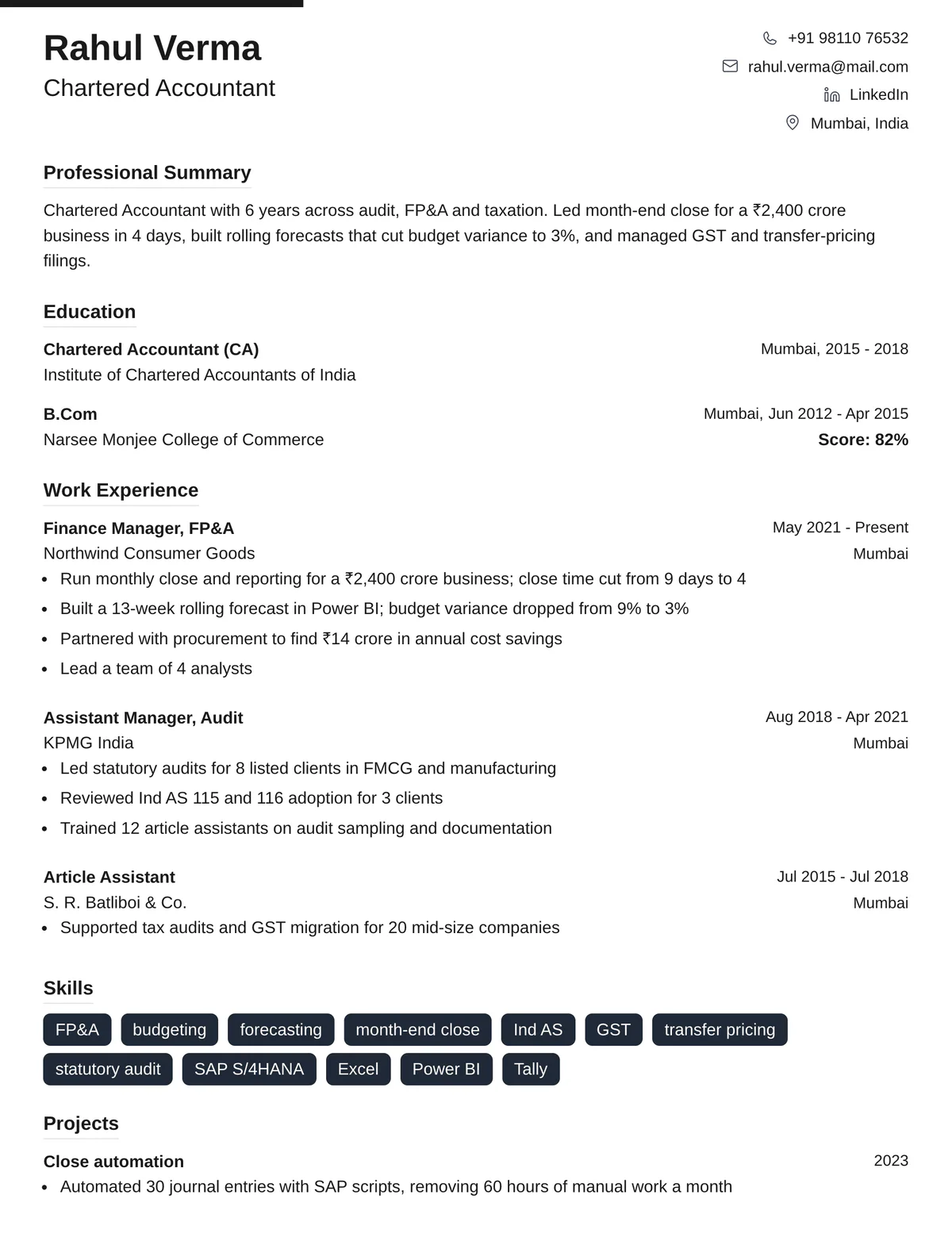
Accent bar, split header and underlined section headings.
One column · ATS-friendly
Use the Classic Professional templateSplit Contact
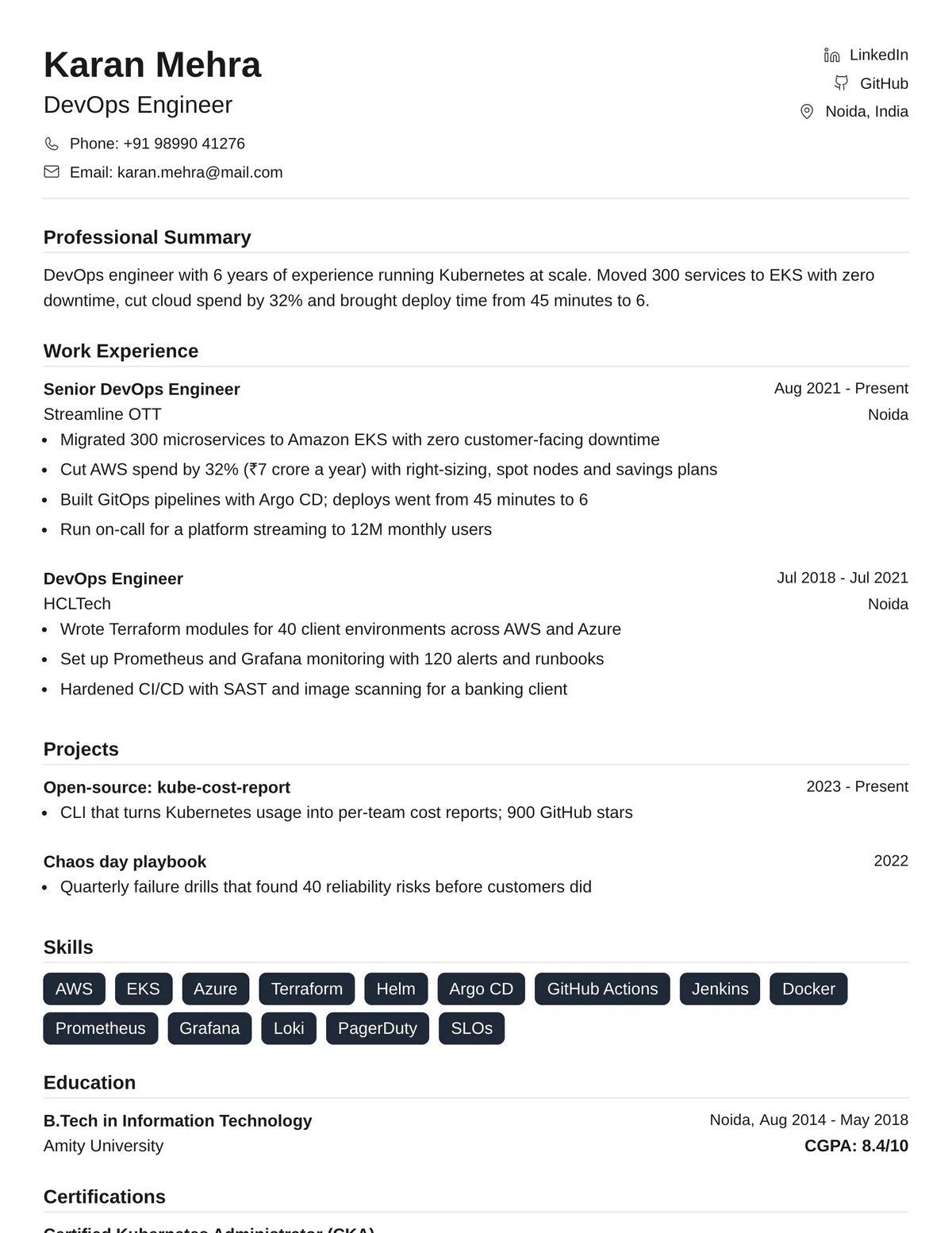
Name and contact details on the left, links on the right. Tidy and compact.
One column · ATS-friendly
Use the Split Contact templateBold Headers
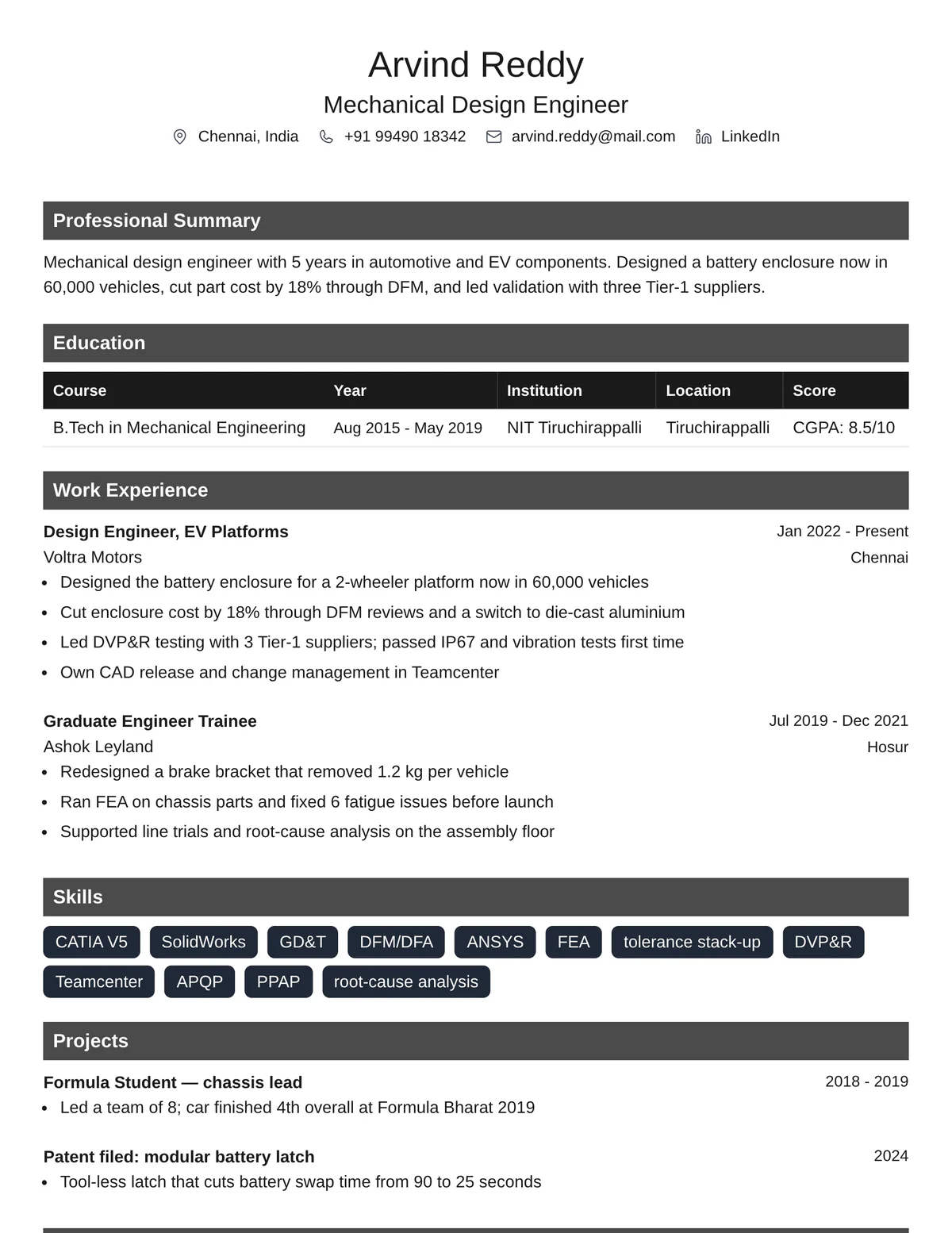
Shaded section headers that make each part easy to find.
One column · ATS-friendly
Use the Bold Headers templateStructured Grid
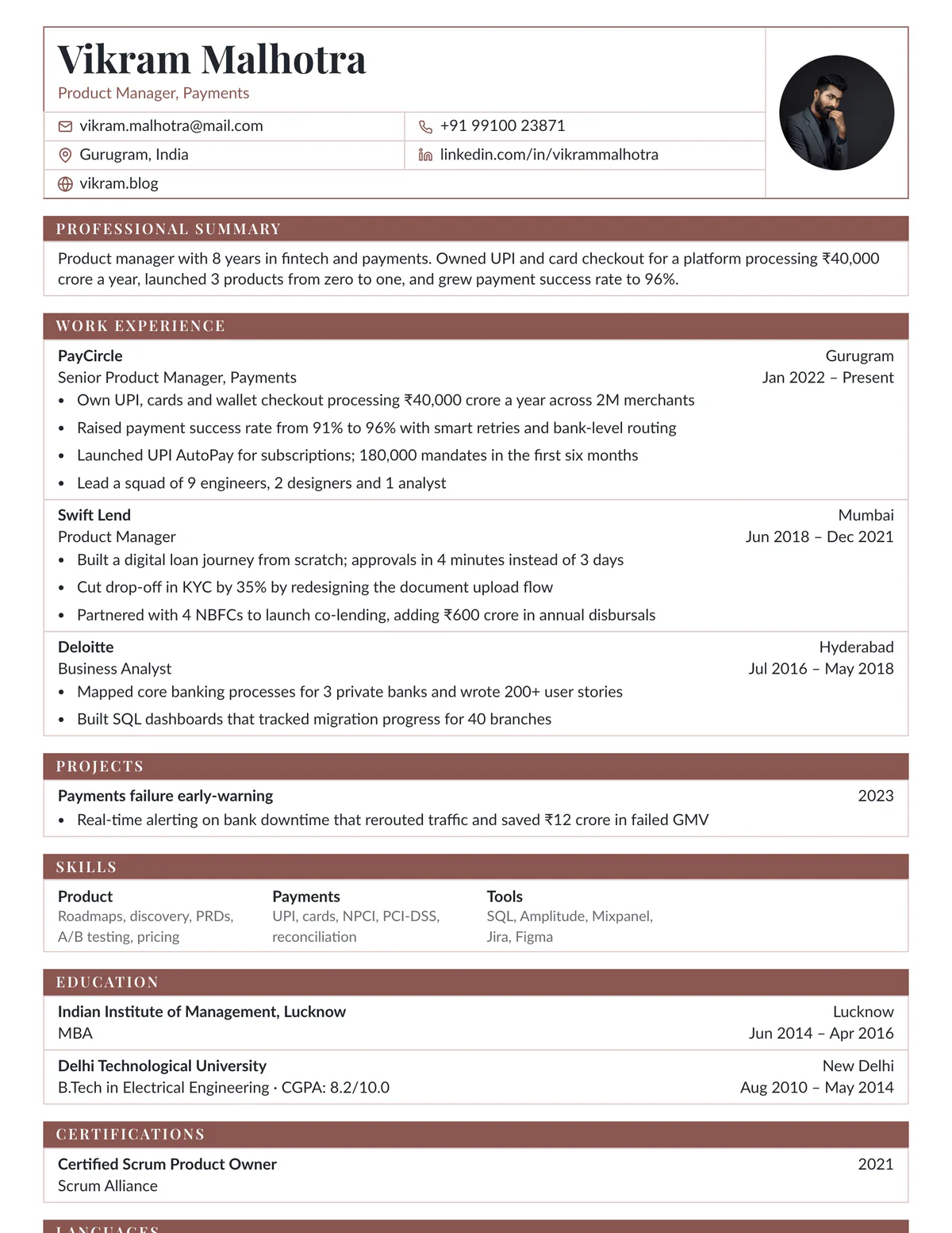
Every section in a ruled table with a solid title bar. Dense, tidy and fast to scan.
One column · ATS-friendly
Use the Structured Grid templateExecutive Rule
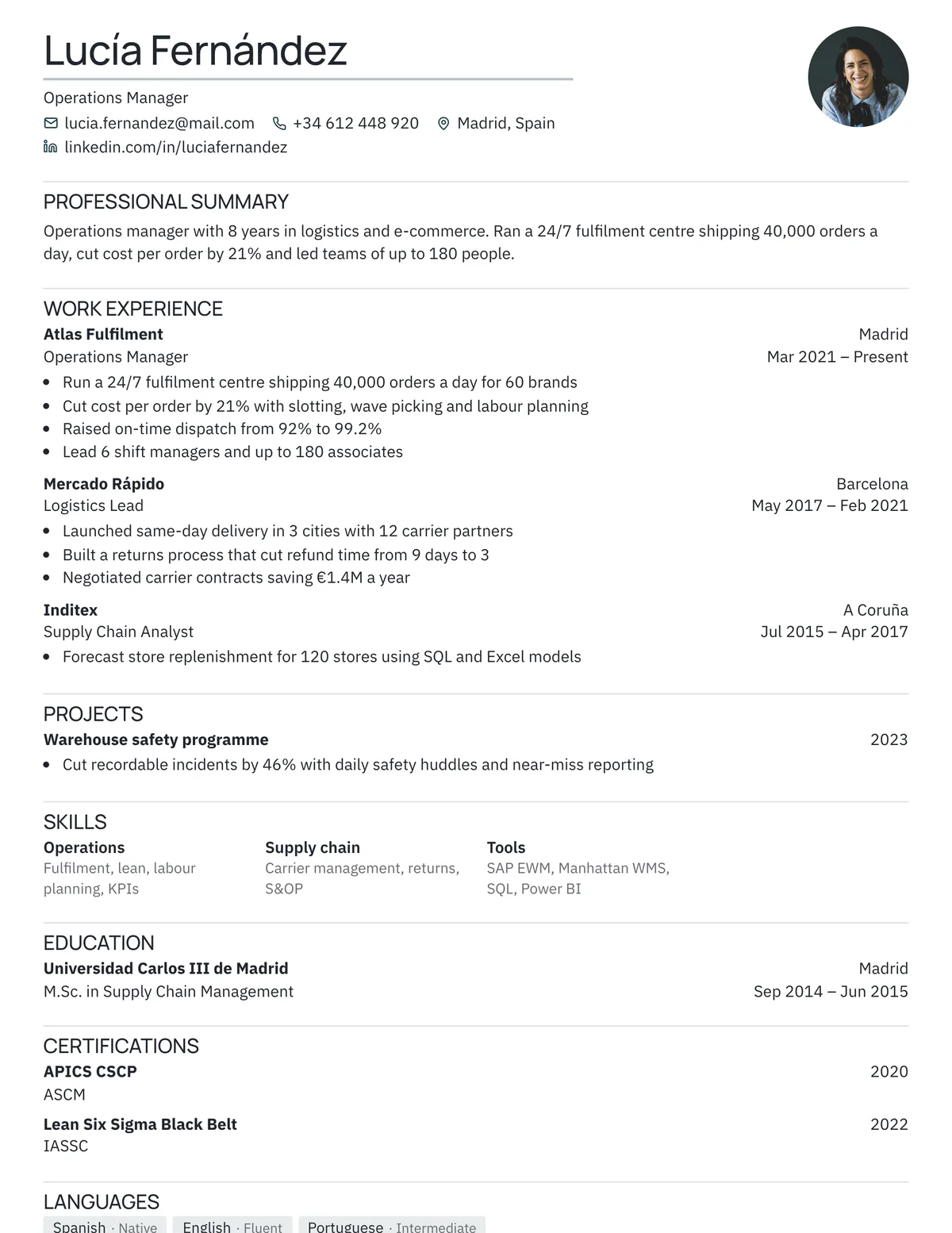
Uppercase headings over clean hairline rules. Quiet and confident.
One column · ATS-friendly
Use the Executive Rule templateLedger
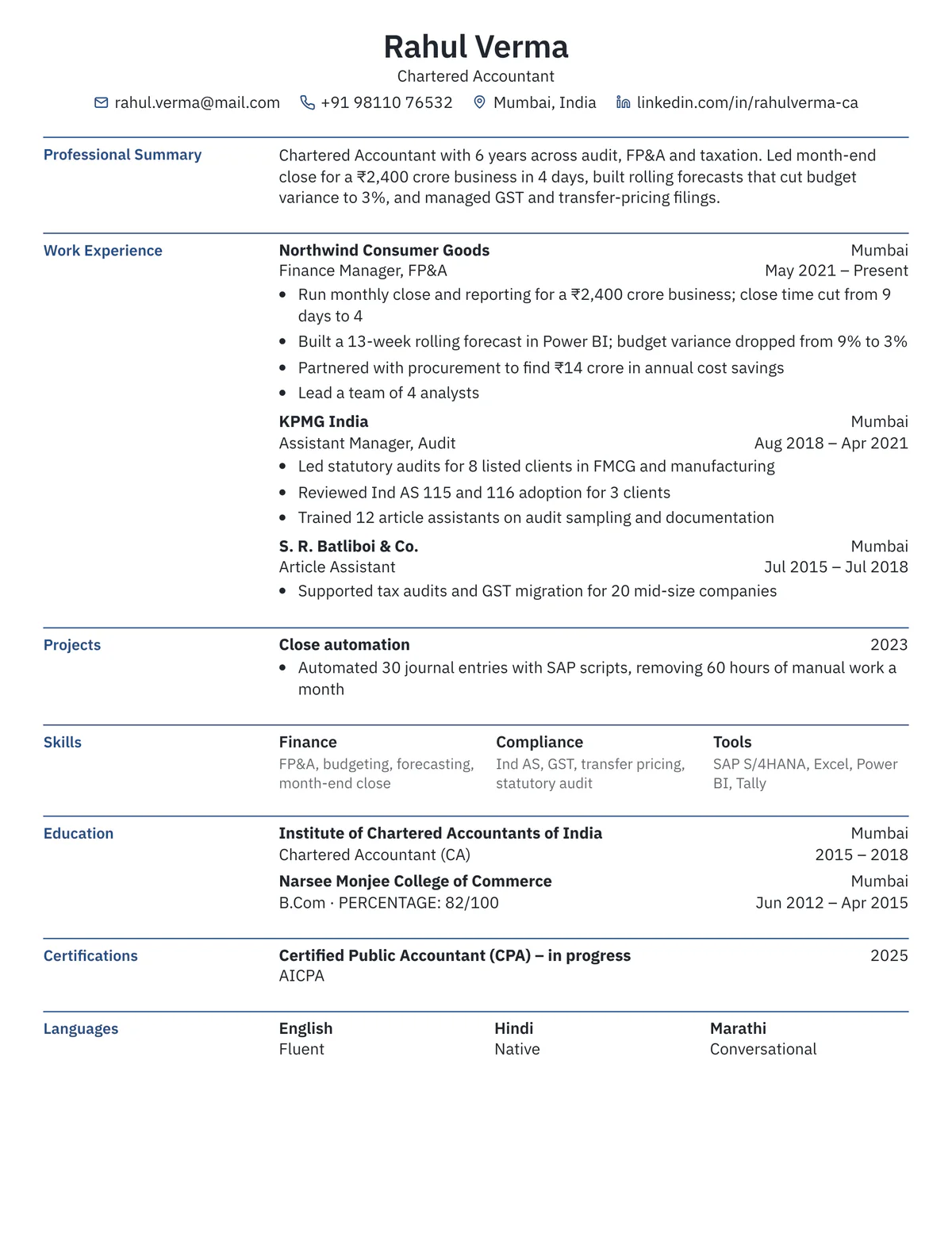
Section titles in a left column, content on the right. Calm and corporate.
One column · ATS-friendly
Use the Ledger template
What makes a resume template ATS-friendly?
Do
- One column, read top to bottom
- Real, selectable text in the PDF
- Plain headings: Experience, Education, Skills
- Standard fonts at 10–12 pt
- Dates in one format, aligned on the right
Avoid
- Skills shown only as bars, stars or icons
- Text inside images or text boxes
- Creative headings like “My Journey”
- Key details hidden in a side column
- Contact details only in the page header or footer area
Resume examples made with these templates
- QA Engineer resume examples — 3 examples · fresher to senior SDET
- Python Developer resume examples — 3 examples · entry level to tech lead
- Nursing Student resume examples — 3 examples · first clinicals to LPN-to-RN
- Medical Assistant resume examples — 3 examples · new grad to lead MA
Frequently asked questions
- Are these resume templates really free?
- Yes. Every template is free to use and the PDF has no watermark. A free account stores two resumes; Pro raises the limits for heavy job searches.
- Will a two-column resume fail an ATS?
- Not always, but some older systems read columns out of order, which can mix your skills into your job history. If you apply through large company portals, a single-column template is the safer choice.
- Which ATS-friendly template is best for a first job?
- Jake Resume or Professional Table. Both keep education and projects easy to find, which matters most when your work history is short.
- Can I upload my old resume instead of typing it again?
- Yes. Upload a PDF and we fill the template with your details, then you edit what you need.